
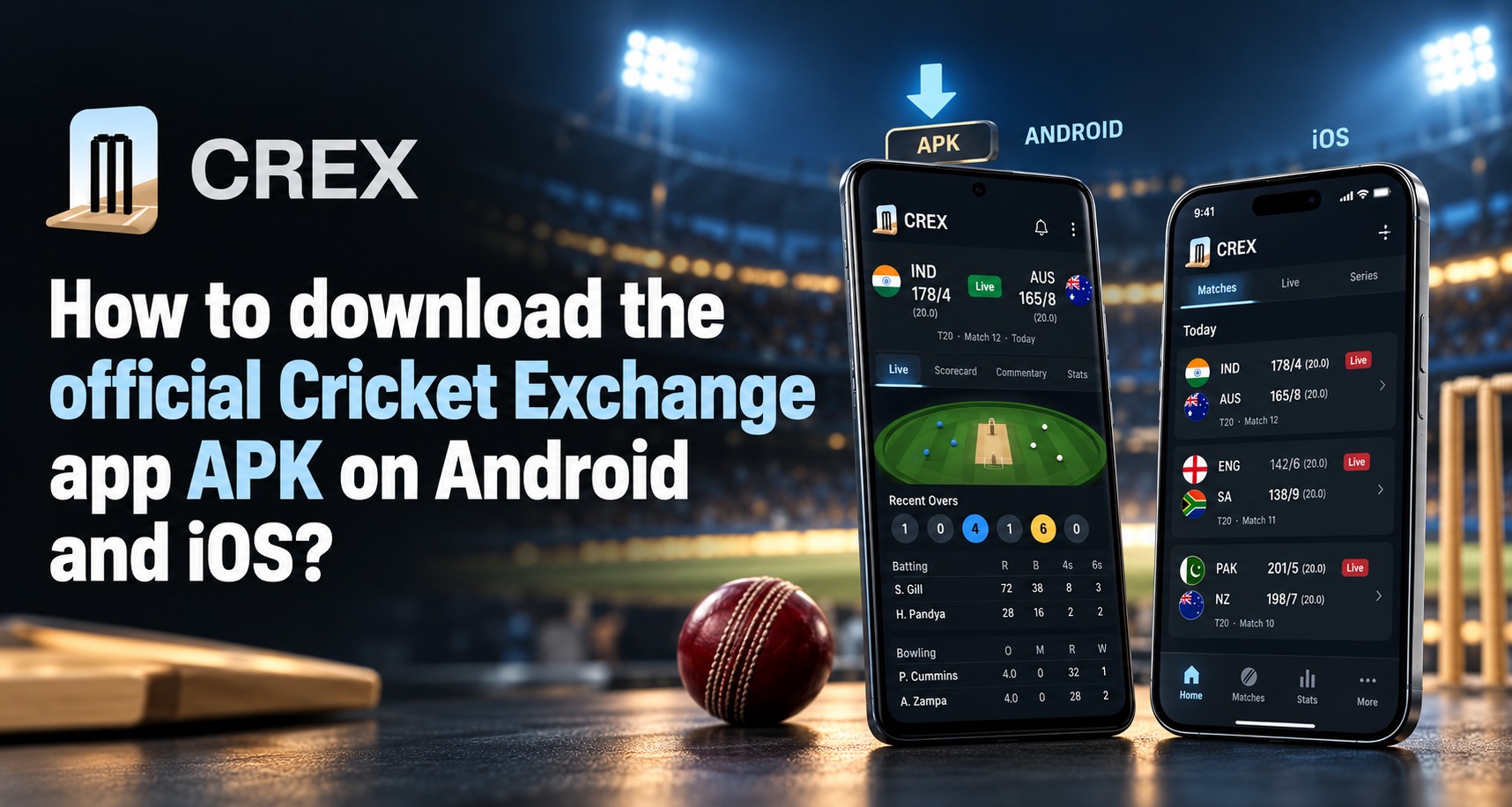
You search for a Cricket Exchange app, find an APK download page, then see an iPhone link that leads somewhere else. Which one is genuine? The name Cricket Exchange is used by more than one cricket product, so it is important to identify the developer and purpose before installing anything. This guide explains how to check the app source on Android and iOS, recognize risky download prompts and choose safer ways to follow cricket.
If you want an online cricket id app, first separate a cricket scores app from any betting or account service. A live score app may simply show fixtures, commentary and statistics. A betting exchange or account service may involve different features, permissions and legal considerations. Do not assume that one app provides the other just because their names look alike.
Start by identifying the exact app you mean
Before you download, write down the full app name and what you expect it to do. Are you looking for live scores and ball by ball commentary, match analysis, news, or account access to a betting exchange? These are different functions, and a search result may mix them together.
Check the developer name, app icon, description, screenshots and privacy information. Look for consistency between the app listing and the developer’s official website. A familiar logo on a download page is not enough to confirm that the file came from the real developer.
Search results currently show a Cricket Exchange branded cricket information app in both the Google Play Store and Apple App Store. They also show separate sites using the same phrase for other products. Treat each listing as its own product and compare its developer details carefully.
On Android, prefer Google Play when the app is listed
Open the Google Play Store directly on your phone and search the exact app name. Open the listing and read the developer identity, description, update history, data safety details, ratings and recent reviews. Check that the package listing is the one you expected, rather than a similarly named copy.
If the listing matches the app you want, use the Install button in Google Play. After installation, review the permissions requested when the app first opens. A score app generally should not need access to unrelated functions such as SMS or accessibility controls to show a match page. If a permission request feels unrelated, deny it and check the app’s explanation.
Google Play Protect checks apps when installed and can warn about potentially harmful software. Keep it enabled and install Android updates when available. Play Protect is a useful safeguard, but it is not a guarantee that an app is legitimate or suitable. You still need to verify the developer and the app’s purpose.
If an Android APK is offered outside Google Play
APK means Android Package Kit, a format for installing Android apps. A website may offer an APK when an app is not available in the Play Store, but downloading a file directly gives you fewer visible checks than installing through a store. An APK page that says “official” does not prove that the file is from the developer.
Only consider a direct download if you can confirm the source from the app developer’s own, verified website or support channel. Check the exact domain spelling, app name, version, update date and developer information. Avoid shortened links, file sharing sites, unsolicited messages and search ads that imitate a brand.
Android may ask you to permit installation from an unknown source. Do not turn this setting on just because a page tells you to. If you cannot verify the developer and file, cancel the download. Google warns that apps from unknown sources can put your device and personal information at risk.
Understand the risks before granting installation permission
A request to install an APK can be legitimate, but it can also be used to deliver software that steals information or displays deceptive screens. Be cautious if the file requests broad access, asks you to disable security protections, or instructs you to ignore several warnings.
Do not install a second app described as a “security update,” “verification tool” or “account activation app” unless you can confirm it through the developer’s official source. Never give an APK installation file access to your contacts, messages, accessibility settings or screen recording without a clear reason.
If you already installed a file and now see unusual popups, unexpected account sign ins or unexplained permissions, uninstall it, run a Play Protect scan and review your device permissions. Change passwords from a trusted device if you entered them into an app you no longer trust. These checks are useful whether you downloaded a live score tool or a Betting exchange app.
On iPhone, use the App Store listing
An APK cannot be installed on an iPhone. iOS uses a different app format and distribution process. If you use an iPhone, open the App Store and search for the exact app name. Verify the developer, app description, compatibility, privacy details and recent update information before tapping Get.
Apple’s support guidance directs users to the App Store to download apps on iPhone and iPad. Alternative app distribution may be available in some regions, but it is different from installing an Android APK and can have different support and safety conditions. Do not follow a web page that tells you to install an Android APK on iOS.
If the app you want is not listed in the App Store, ask the developer whether it supports iPhone through a mobile website. Do not install configuration profiles or trust unknown enterprise certificates just to access a cricket page unless you understand the source and purpose.
Check whether a mobile website is the safer option
Many services work through a mobile browser and do not require an app. Open the service by typing its verified address yourself or using a bookmark you created after checking the domain. Avoid links from chat groups or unsolicited messages, which can lead to imitations.
A mobile website can be a sensible option if there is no official store listing. It may also be easier to leave without granting an app persistent access to your phone. Still, check the domain carefully, read the privacy information and do not enter passwords or payment details on a page you cannot verify.
On iPhone, a website may offer an “Add to Home Screen” option. This creates a shortcut, not necessarily a native app from the App Store. Know the difference before assuming a home screen icon confirms official status.
Verify the developer and privacy practices
A reliable app listing should tell you who publishes the app and what information it collects. Read the privacy summary and the full policy if you plan to create an account. Pay attention to location, contacts, device identifiers, financial data and sharing with third parties.
If the app is published by a company, compare its name with the business details on the developer’s official website. Check whether support information works and whether the privacy policy uses the same company name. A mismatch does not automatically prove fraud, but it is a reason to ask questions before sharing personal information.
Be careful with any app that requests Aadhaar, PAN, banking credentials or one time passwords without a clear, lawful need and secure process. Never share your UPI PIN, card CVV or banking password with an app or support agent. A cricket information app should not need those credentials to show scores.
Confirm what “official” means for the product
“Official Cricket Exchange app” can mean an app published by a specific cricket information developer, or it may be a marketing claim from an unrelated service using a similar name. Confirm the publisher from a trusted source before you install. If the business has an official website, use its app page to navigate to the store listing instead of trusting a search result alone.
For account or betting services, verify the operator separately from the app publisher. An app store presence does not by itself prove that betting is authorized in your location. Likewise, a website offering an APK does not establish that the product has passed independent security checks.
A cricket betting id is not the same thing as a standard cricket app account. If a provider asks you to sign up for an account involving deposits or wagers, check the applicable law, account terms, payment rules and complaint process first. Do not assume that a score app listing endorses any betting provider.
What Indian users should consider before downloading betting related apps
India’s rules for online money gaming have changed. The Promotion and Regulation of Online Gaming Act, 2025 and subsequent official updates are important to check before using a service that involves depositing money in expectation of a monetary return. Review the current government guidance and the laws applicable to your location; a website’s availability or an agent’s assurance is not legal advice.
This is especially important when a download page describes a betting exchange, cash balance, deposits or withdrawals. Read the exact terms and identify the organization responsible for the service. If legal status is unclear, do not proceed based on promotional claims.
The safest download process starts with understanding what the product does. A score and analysis app, a fantasy game and a money wagering service may all use cricket imagery while having very different features and rules.
How to avoid fake download buttons and cloned apps
Download pages often contain multiple buttons, ads or popups that resemble a real “Download” prompt. Before tapping, inspect the destination and avoid any page that triggers repeated redirects or asks you to install additional software. A file name or logo can be copied, so do not use those alone as proof.
Check for small differences in spelling in the app title, developer name and website address. Be wary of “limited time” prompts that pressure you to install immediately or warn that your account will be blocked unless you download a file. These are common ways to rush users past basic checks.
If you see a page asking you to disable Play Protect, install a device management profile, or grant accessibility permissions to continue, stop and verify with the app publisher through a trusted channel. A legitimate app should not require you to ignore device security warnings without a clear explanation.
A simple download checklist before you tap Install
Use this short review before downloading an app:
- Confirm the exact purpose of the app.
- Check the developer and publisher identity.
- Prefer the official Google Play or Apple App Store listing.
- Review the permissions and privacy information.
- Avoid unknown APK files and shortened download links.
- Confirm that the app is lawful for your location if it involves money or wagering.
- Keep your operating system and built in security features updated.
If even one important detail is unclear, pause and investigate before continuing. It is easier to avoid a suspicious download than to remove unwanted software and secure accounts later.
Make the choice that fits your phone and needs
For Android, start with Google Play and use an APK only if the developer’s identity and source can be independently confirmed. For iPhone, use the App Store or the developer’s verified mobile website. An APK is not an iOS download, and an app listing does not automatically validate unrelated services with similar names.
Choose based on the function you need, the information the app requests and the confidence you have in the publisher. If you only want scores or match analysis, a reputable information app may be enough. If a service involves accounts, money or wagering, review legal, privacy and payment details before signing up.
Conclusion
Downloading an app safely depends on confirming what it does, who publishes it and whether the source is trustworthy. Android users should prefer a verified Play Store listing and treat outside APKs with care. iPhone users should use the App Store or a verified mobile website, never an APK. If you are checking an online cricket id app, verify its identity and legal context before sharing details. Visit the official Cricket Exchange source you have independently confirmed for current app information.
FAQs
Can I install an APK on an iPhone?
No. APK files are designed for Android and cannot be installed as iPhone apps. On iPhone, look for the app in the App Store or check whether the verified developer offers a mobile website.
How can I tell whether a Cricket Exchange app is official?
Check the developer name and app details in the official store, then compare them with the developer’s own verified website. The app name or logo alone is not proof of authenticity.
Is it safe to download a Cricket Exchange APK from a third party site?
A third party download page may host an altered or outdated file. Use an APK only when you can verify the exact source with the developer, and do not disable security protections to force an installation.
Does a cricket scores app automatically provide a betting account?
No. A scores app and a betting account service are different products, even if they use similar names or branding. Confirm the app’s purpose and terms before signing up or sharing information.
What should I do if an app asks for unusual permissions?
Deny permissions that do not match the app’s purpose and check the developer’s explanation. If the app insists on unrelated access or asks you to bypass security warnings, cancel the installation.